


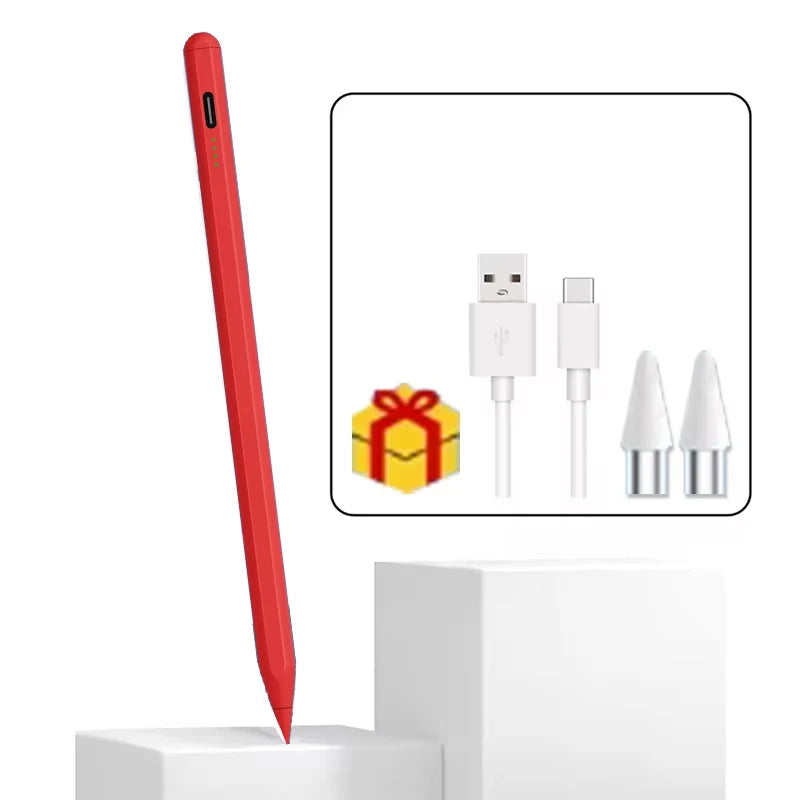
Universal Stylus Pen For Android IOS Capacitive Screen Touch Pen For iPad Apple Pencil For Huawei Xiaomi Samsung Tablet Pen
Universal Stylus Pen For Android IOS Capacitive Screen Touch Pen For iPad Apple Pencil For Huawei Xiaomi Samsung Tablet Pen


EXTRA 10% OFF
On purchase of $100+ (use code: 10OFFTODAY)
EXTRA 5% OFF
For first-time users (use code: FIRST5)
Couldn't load pickup availability
Delivered in: 5-10 working days
Product Information
Product Information
Dear buyers
when you can't use this pen, or the pen can't be used due to improper settings, please watch our video introduction and carefully and seriously, because many problems are not quality problems, but tablet settings problems, don't misunderstand them as quality problems. Please.
Notice:
1. Tablet devices and pens cannot be used while charging.
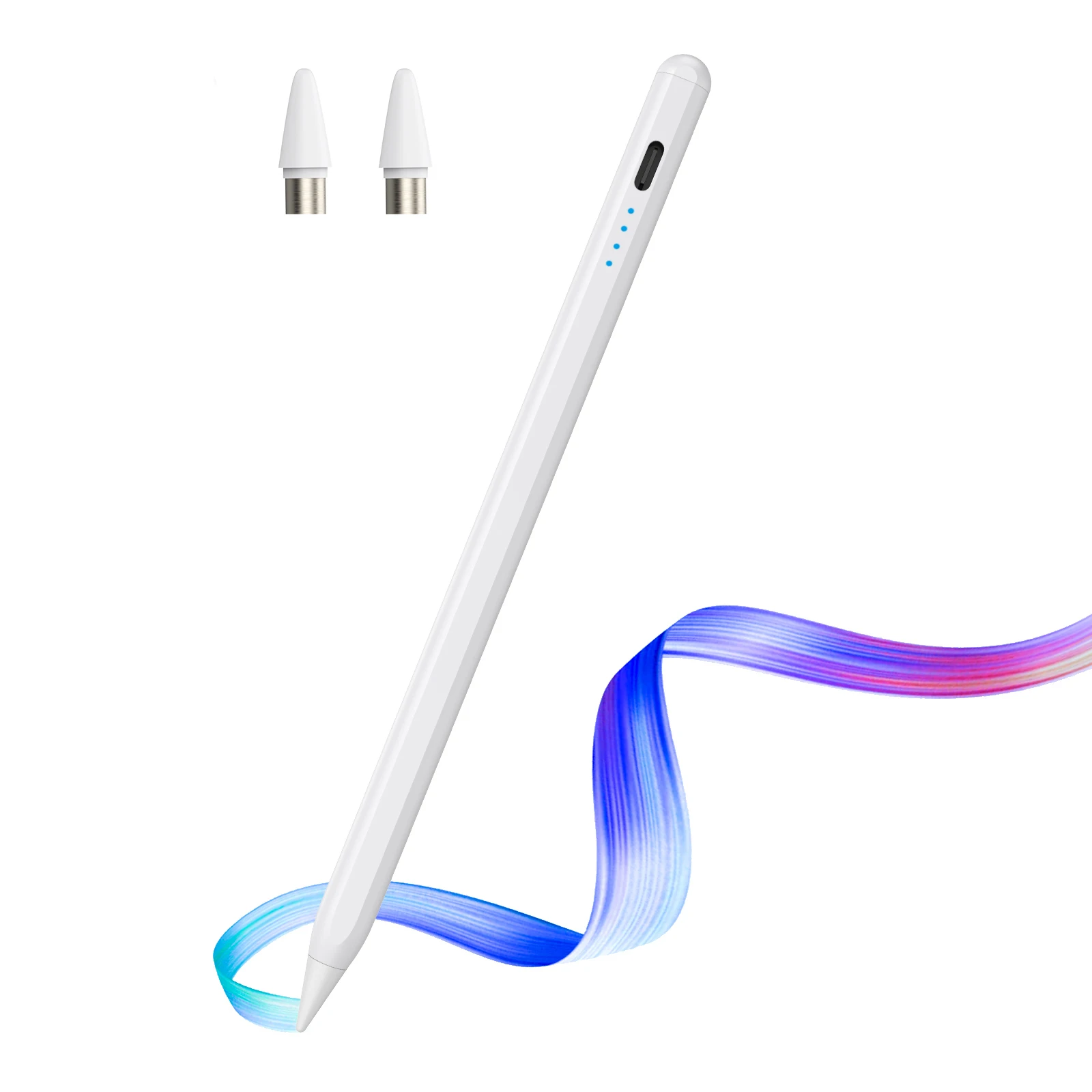
2. The tempered film on the flat plate is too thick and affects the sensing. We are equipped with a piercing pen tip, and the instruction manual also clearly states this kind of clearance. If the contact is insensitive, a penetrating pen tip can be used.
3. The device has been connected to other capacitive pens and needs to be disconnected. You must open other capacitive pens before you can connect a new capacitive pen. Our manual has relevant instructions.
4. During use of the capacitive pen, your hands cannot touch the screen. The touch screen cannot be used (the manual has relevant instructions), or use an anti-accidental touch finger. set.
5.The universal pen needs to be tilted at least 15 degrees to write normally, and it cannot be used vertically.
6.Do not use Apple type-c tcharging cable for charging
7.Some drawing software and notebook software cannot write and require some pen settings. Please be aware of the non-pen quality issues.
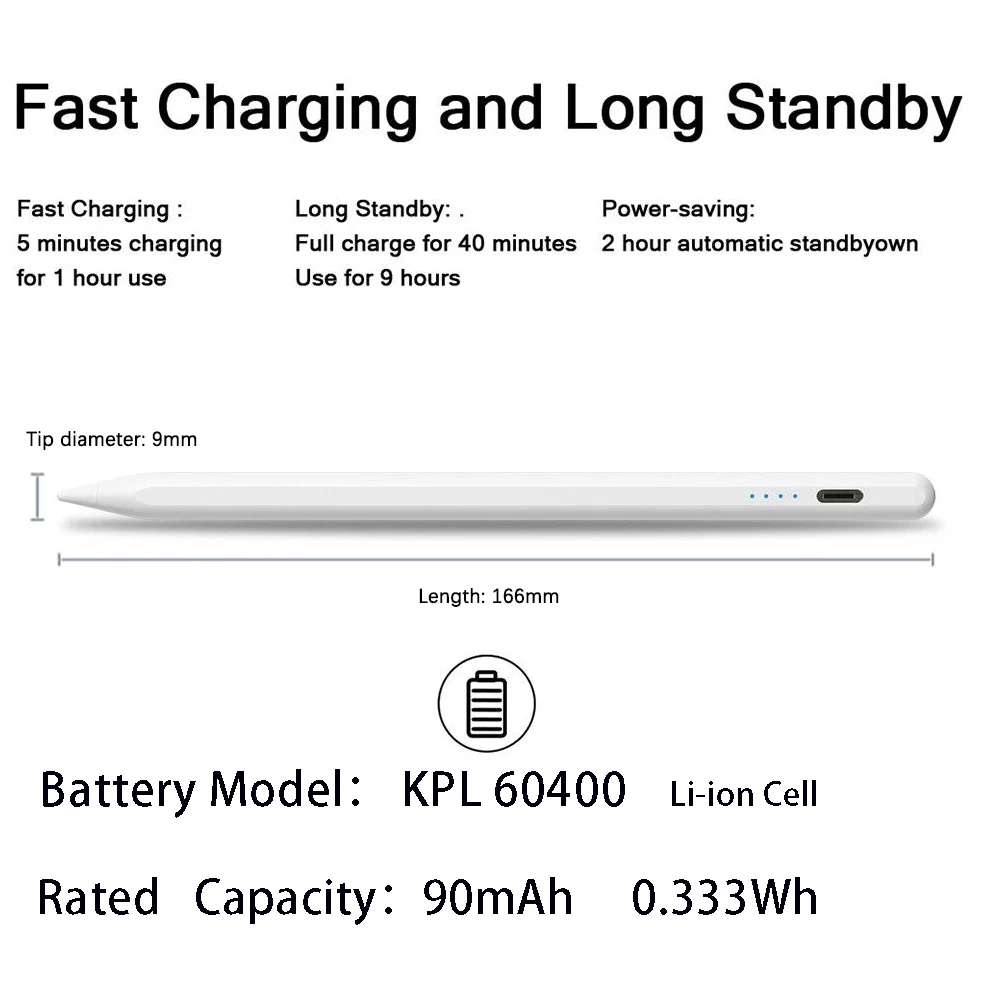
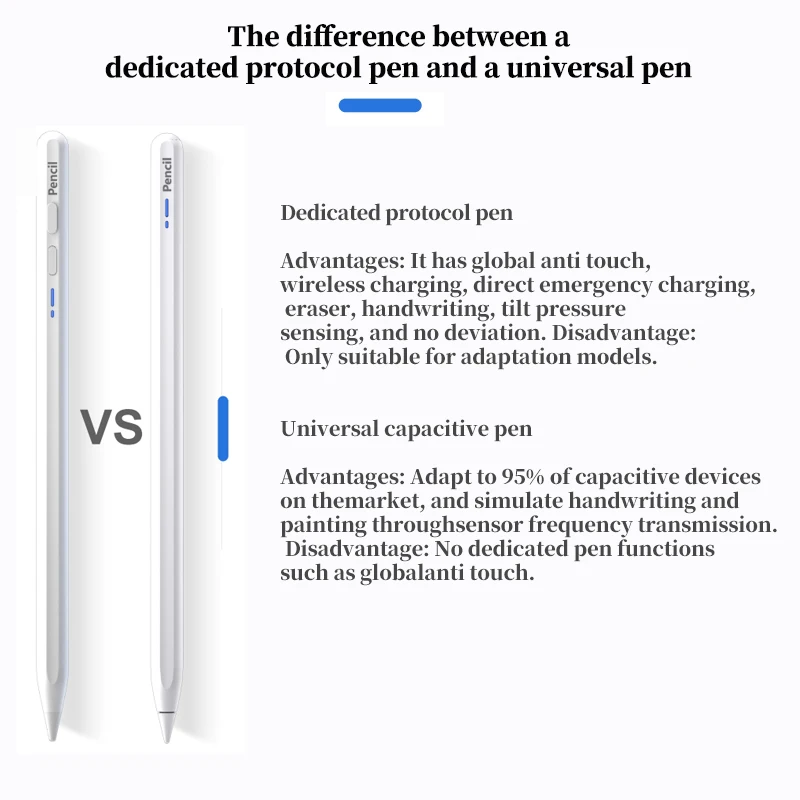
1、SketchBook
1. Open the "SketchBook" software.
2. Click on the "Main Menu".
3. Click on "Preferences".
4. Click onGeneral".
5. Turn on/off "Pen Mode".
2、Procreate
1. Open the "Procreate" software
2. Click the top left corner of the painting interface, click the wrench
3. Click on gesture control
4. Select enable finger painting
3、GoodNote
1. Open the "GoodNote" software
2. Click on the top right corner of the painting page, click on the three option
3. Scroll down to select the stylus and prevent accidental touches
4. Click on the smart stylus, select none inside
4、NOtability
1. Open the "Notability" app
2. Open the drawing page, click the three dots option in the top right corner
3. Click Information, disconnect Apple Pencil
5、Notes
1. Update to the latest version
2. Open the "Notes " app
3. Click on the painting page and select the three in the lower right corner
4. Click on the pen palette settings and scroll to the bottom 5. Turn on finger painting
6.Apple iPad Notes
1. Open the tablet settings and find Apple Pencil
2. Turn off Scribble and Doodle
3. Open the page and select the stroke
7.Paint the World
1. Open the "Paint the World" software
2. Open the painting page, click the gear in the top corner
4. Close "Pen Mode"
8.Noteshelf
1. Open the "Noteshelf" software
2. Open the drawing page, click the three dots in the top right
3. Select the stylus
4. Turn off the "Apple Pencil" mode
Shipping Information
Shipping Information
We offer free tracked shipping on every order. Orders are processed within 1–2 business days and typically arrive within 5–10 working days. As soon as your order ships, you’ll receive a confirmation email with your tracking number so you can follow it every step of the way.
Refunds & Returns
Refunds & Returns
Your satisfaction is our priority. If you’re not completely happy with your purchase, we accept returns within 30 days of delivery — simply contact us through our contact page and we’ll guide you through the process. Approved refunds are issued to your original payment method within 5–10 business days. For full details, please see our Refund Policy.



Next-Gen Electronics Built for You
Smart. Durable. Future-Ready
Technology that adapts to your lifestyle, enhances your productivity, and stays ahead of the curve.

Love from our customers
 Verified Verified Verified Verified Verified Verified
| Feature | Your Brand | Others |
|---|---|---|
| Exceptional Product Quality | ✔ | ✘ |
| 24/7 Customer Support | ✔ | ✘ |
| Fast 5-10 Day Shipping | ✔ | ✘ |
| Proudly Designed in the USA | ✔ | ✔ |
| Money-Back Guarantee | ✔ | ✔ |
SCROLL THROUGH THE LOVE ❤️
"Amazing battery life!"
"Fast shipping, great quality."
"Works perfectly, love it!"
"Best gadget I’ve bought!"
"Crystal clear display!"
"So easy to set up!"
"Super lightweight and sleek."
"Charges super fast!"
"Exceeded my expectations!"
"Great value for money."
"Perfect for gaming!"
"Incredible sound quality."
"Durable and well-built."
"Love the modern design!"br>
new line
"A must-have for tech lovers!"
"Feels premium and solid."
"Highly recommend this!"
"Easy to use, very intuitive."
"Super fast and responsive."
"Fits my needs perfectly!"
"Best tech purchase ever!"
"Really happy with it!"
"Quality is top-notch!"
"Looks and feels amazing."
"Performance is outstanding!"
"Came well packaged!"
"Would buy again, no doubt!"
"A must-have for tech lovers!"